

Top Field Service Management Software: Optimize Your Workforce
Streamline operations with the best field service management software. Optimize scheduling, boost efficiency, and enhance customer satisfaction for your business.
By Foundamental University — Editor
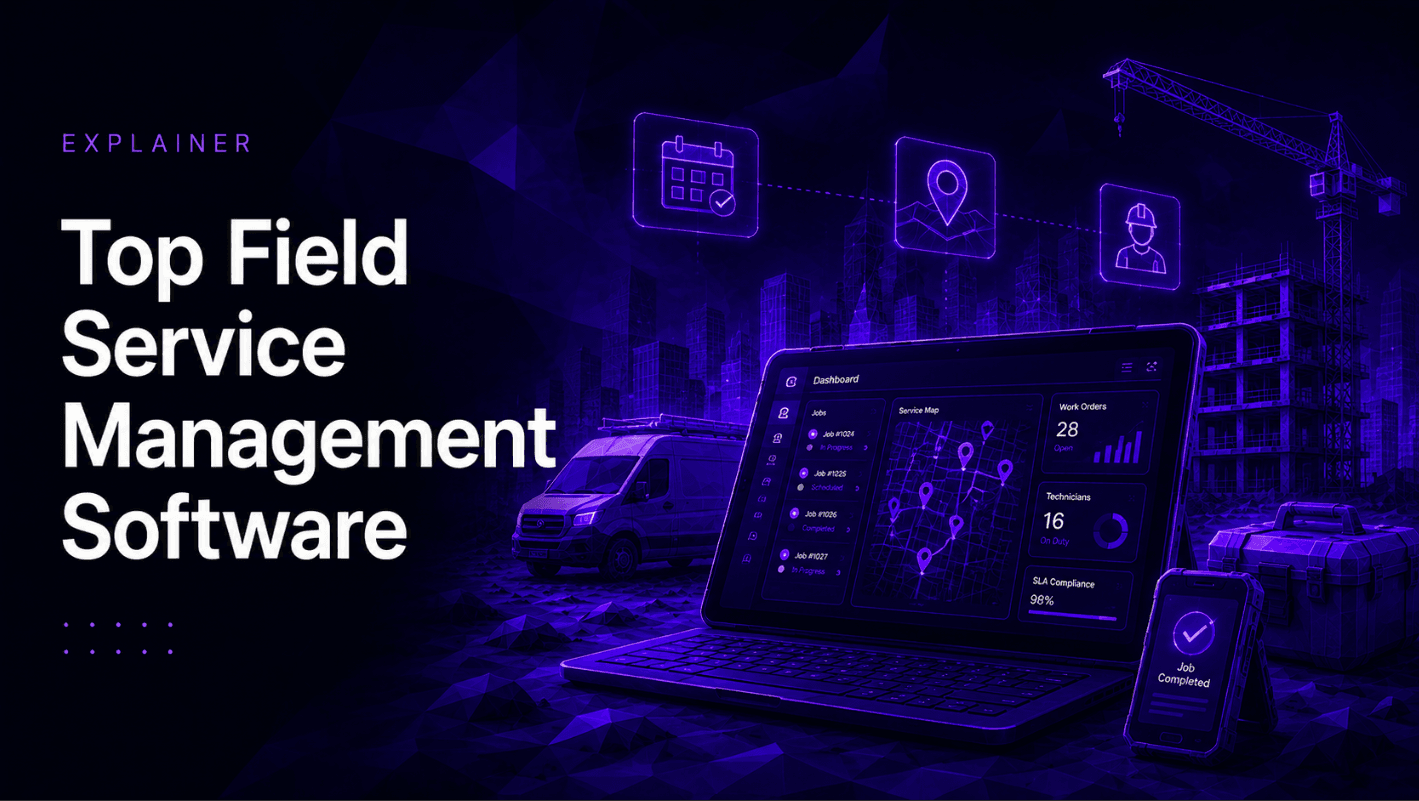
Field Service Management Software: The Complete Guide
If you run a business that deploys technicians, contractors, or engineers to various locations, you know how quickly daily operations can descend into chaos. Traffic delays, miscommunications, lost paperwork, and missing inventory are just a few of the hurdles that can frustrate your team and your customers. When comparing legacy systems vs mobile service platforms, it becomes incredibly clear that whiteboards and paper schedules can no longer keep pace with modern customer expectations.
The ultimate solution to these operational bottlenecks is robust field service management software. Whether you are managing a large enterprise fleet or looking for service management software for small business operations, making the leap to a digital platform is the most effective strategy for reducing operational costs in field services. Few industries feel this pressure more acutely than construction — where field teams are spread across dozens of active sites, real-time visibility is limited, and the cost of miscommunication is measured in missed deadlines and budget overruns.
Here is a comprehensive guide to understanding, choosing, and maximizing the right technology for your mobile workforce.
What is Field Service Management Software?
At its core, a field service management app is a digital tool designed to coordinate the various moving parts of a mobile workforce. Comprehensive service management software connects your back-office dispatchers, remote technicians, and customers into one unified digital ecosystem.
If you have ever found yourself asking, "what are the benefits of cloud-based dispatching?", the answer lies in real-time connectivity. Cloud-based field service tools allow instant data syncing between the office and the field. When a dispatcher updates a schedule, the technician's smartphone receives a notification immediately. This level of synchronization is essential for streamlining customer service communication and ensuring a seamless experience from the initial service call to the final invoice.
Core Features of the Best Field Service Management Software
When you start evaluating the top field service management software on the market, it helps to know exactly which features drive the highest return on investment. The best field management software will typically offer the following capabilities:
Smart Scheduling and Dispatching
Gone are the days of manually calling technicians to see who is closest to an emergency job. By learning how to automate service scheduling, dispatchers can let the software do the heavy lifting. A high-quality field service scheduling app acts as an intelligent field scheduler, automatically matching jobs to the right technician based on their skills and location.
Furthermore, intuitive scheduling software for field technicians assists in optimizing service routes, drastically cutting down on fuel consumption and travel time. Paired with real-time technician tracking, your back office can instantly pivot and reroute workers when urgent situations arise.
Work Order and Inventory Control
Modern work order management systems allow remote workers to view job histories, customer notes, and site photos before they even arrive. This level of preparation is the secret to improving first-time fix rates. Additionally, built-in inventory tracking for remote technicians ensures that field workers have the exact parts they need in their vans, preventing costly return trips to the warehouse.
Preventative Maintenance Management
Relying solely on break-fix jobs makes revenue unpredictable. The leading platforms help you implement preventative maintenance scheduling best practices. By automating routine inspections and seasonal tune-ups, field service software helps you build a steady stream of recurring revenue.
Empowering the Modern Workforce with Mobile Tools
Your field team operates entirely on the go, which is why mobile field service management is critical. Equipping your staff with a user-friendly field service app ensures they have everything they need right in their pocket.
Using dedicated field service mobile software, technicians can pull up equipment manuals, capture photos of a completed job, and generate digital proof of service documentation for the customer to sign directly on a tablet. This field service technician software also proves invaluable for managing subcontractor workflows. If you outsource an overflow job, the subcontractor can simply log into your mobile field service management software, ensuring your quality standards and data collection remain consistent.
This challenge is particularly visible in construction, where project teams have historically operated in what Jeevan Kalanithi, CEO of OpenSpace, calls a "fog of war" — disconnected from what is actually happening across their sites. In his Foundamental University masterclass, Kalanithi describes how the shift to mobile, image-first documentation transformed how construction teams communicate in the field: "A picture is worth a thousand words — and that's a much more trusted, compact way to represent progress and the reality of a project." The same principle applies across any field service operation.
Integrating CRM, Billing, and Analytics
A truly unified platform goes beyond just dispatching; it manages the entire financial lifecycle of a job. Look for platforms that feature integrated field service CRM software to track client communications, quote approvals, and contract renewals.
Once the job is completed, having field service invoicing software built into your field management app allows technicians to generate bills and collect credit card payments directly on-site. Accelerating your cash flow has never been easier. Finally, robust field service report software empowers business owners to analyze their operations, identify bottlenecks, and focus on increasing technician productivity metrics.
Finding the Right Fit: Small Business and Niche Industries
Not every company needs a massive, highly complex enterprise system. If you operate a growing local company, finding the right small business field service management software is key. You need agile field service software for small business that is cost-effective and easy to adopt.
For brand-new startups operating on shoestring budgets, exploring free field management software can be a great way to transition away from spreadsheets. Alternatively, tech-savvy companies with specific development needs might look into open source field service management. Choosing field service software open source options provides ultimate flexibility, allowing your IT team to customize the code to fit highly unique operational demands.
Industry-Specific Solutions
It is also vital to consider the unique needs of your specific trade. A general field engineer scheduling software might work for IT installations, but specialty trades often require tailored platforms. For example, specialized HVAC field management platforms or refrigeration service management software will typically come pre-loaded with industry-specific safety checklists, EPA compliance forms, and specialized parts catalogs.
Construction is one of the most demanding environments for field service software. Florian Biller, CEO of Capmo, makes the point clearly in his Foundamental University masterclass: "On a construction site — busy, loud, lots of people, unstable Wi-Fi, five people eating lunch next to you — the environment is not forgiving. You need to navigate the software super fast." Offline functionality, voice input, and mobile-first design are not nice-to-haves in this context. They are prerequisites.
Conclusion: Take Control of Your Operations
Transitioning to digital mobile workforce management tools is no longer a luxury; it is a necessity for survival in a competitive market. Choosing the right field service scheduling software fundamentally transforms how you do business.
Whether you are looking for a simple field service management app to handle basic work orders or a comprehensive suite to overhaul your entire operation, the benefits are undeniable. By utilizing the right field service tools, you will optimize your routing, empower your technicians, and provide a superior, frictionless experience for your customers. Take the time to demo a few platforms, assess your operational needs, and invest in the future of your service business today.
For those operating specifically in construction and infrastructure, the Foundamental University masterclass series offers an unusually honest look at how the industry's leading operators have navigated exactly these challenges — from mobile documentation and AI-driven project management to the organizational changes required to make field software actually stick. All 13 masterclasses are freely available at university.foundamental.com.
Q&A
Question: What is field service management (FSM) software, and who benefits from it?
Short answer: FSM software is a digital platform that unifies dispatchers, field technicians, and customers in one cloud-connected system. Any business that sends technicians, contractors, or engineers to customer sites — whether a startup, small business, or large enterprise — can use it to replace paper schedules and whiteboards, reduce chaos, and meet modern customer expectations.
Question: How does cloud-based dispatching improve day-to-day operations compared to legacy tools?
Short answer: Cloud-based dispatching syncs data in real time between the office and the field. Schedule changes trigger instant notifications on technicians' phones, enabling faster response, clearer communication, and seamless handoffs from the initial call to the final invoice — capabilities paper-based systems cannot match.
Question: Which features deliver the highest ROI in field service software?
Short answer: Smart scheduling and dispatching automatically matches jobs to the right technician by skillset and location and optimizes routes to cut travel time and fuel costs. Real-time technician tracking lets dispatchers pivot quickly for urgent jobs. Work order and inventory control gives technicians job histories, notes, and photos up front and ensures the right parts are on the truck to boost first-time fix rates. Preventative maintenance management automates inspections and tune-ups to create predictable, recurring revenue.

Question: How do mobile tools empower technicians and subcontractors in the field?
Short answer: A user-friendly mobile app puts everything in a technician's pocket: equipment manuals, job details, photo capture, and digital proof-of-service with on-site signatures. Subcontractors can log into the same app, so you maintain consistent data collection, quality standards, and workflow across your extended team.
Question: Why integrate CRM, billing, and analytics — and how should small or niche businesses choose a platform?
Short answer: Integrated CRM tracks client communications, quotes, and renewals. Built-in invoicing enables on-site billing and card payments to accelerate cash flow. Analytics spotlight bottlenecks and technician productivity. Smaller teams should prioritize cost-effective, easy-to-adopt tools. Consider free options to move off spreadsheets or open-source platforms for deep customization. Trade-specific solutions add value with preloaded safety checklists, compliance forms, and specialized parts catalogs. Demo a few platforms and align your choice with your operational needs.